
Bias
A Mac companion for the TASCAM Model 2400. Bias puts Audio Unit inserts on every channel over USB, plays recorded tracks back through them, and keeps its deck, markers and takes in step with the 2400's recorder.
Free during the beta, which ends December 31, 2026. After that, $19.99 for a key that activates up to three Macs.
What's in it
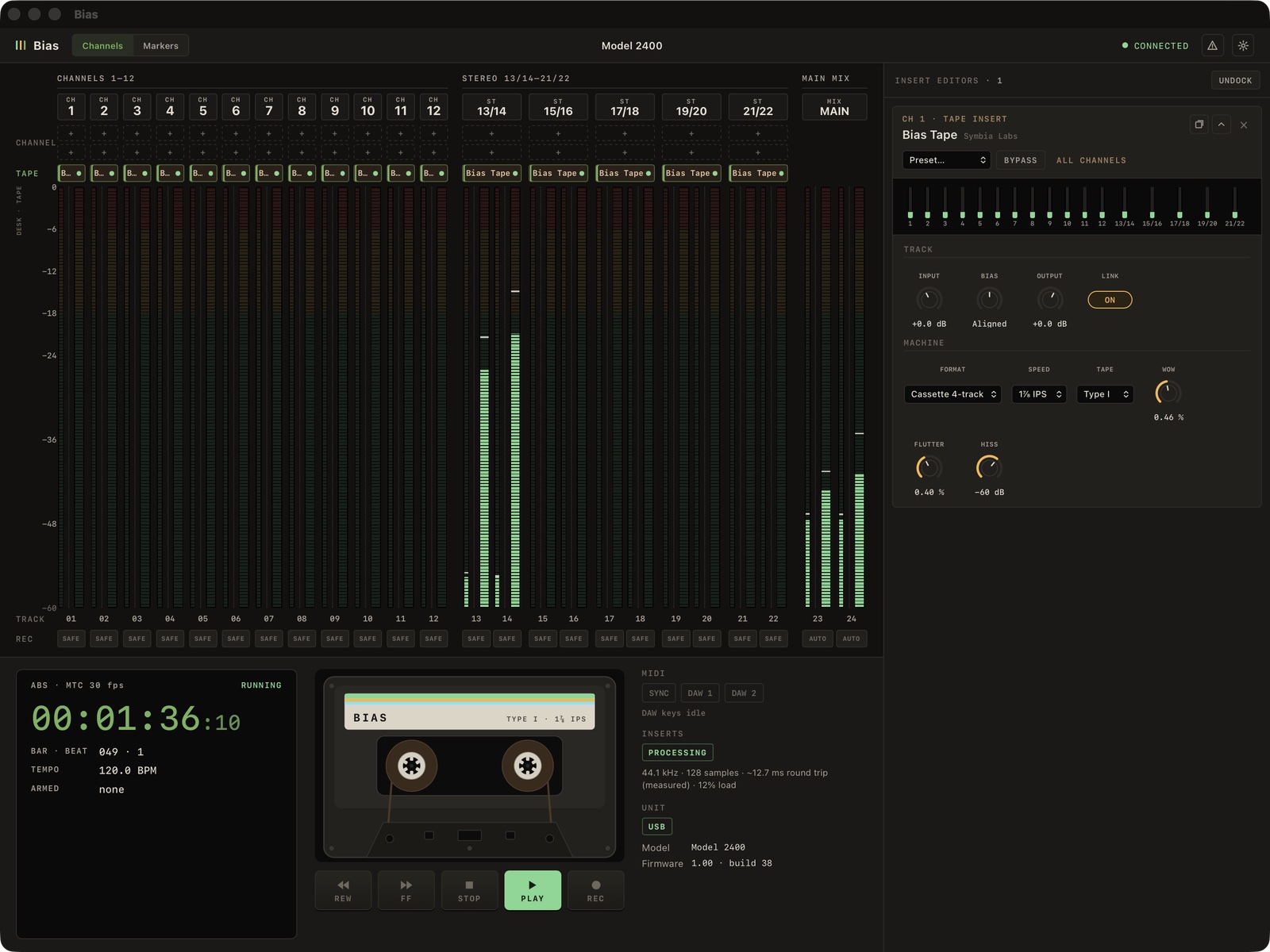
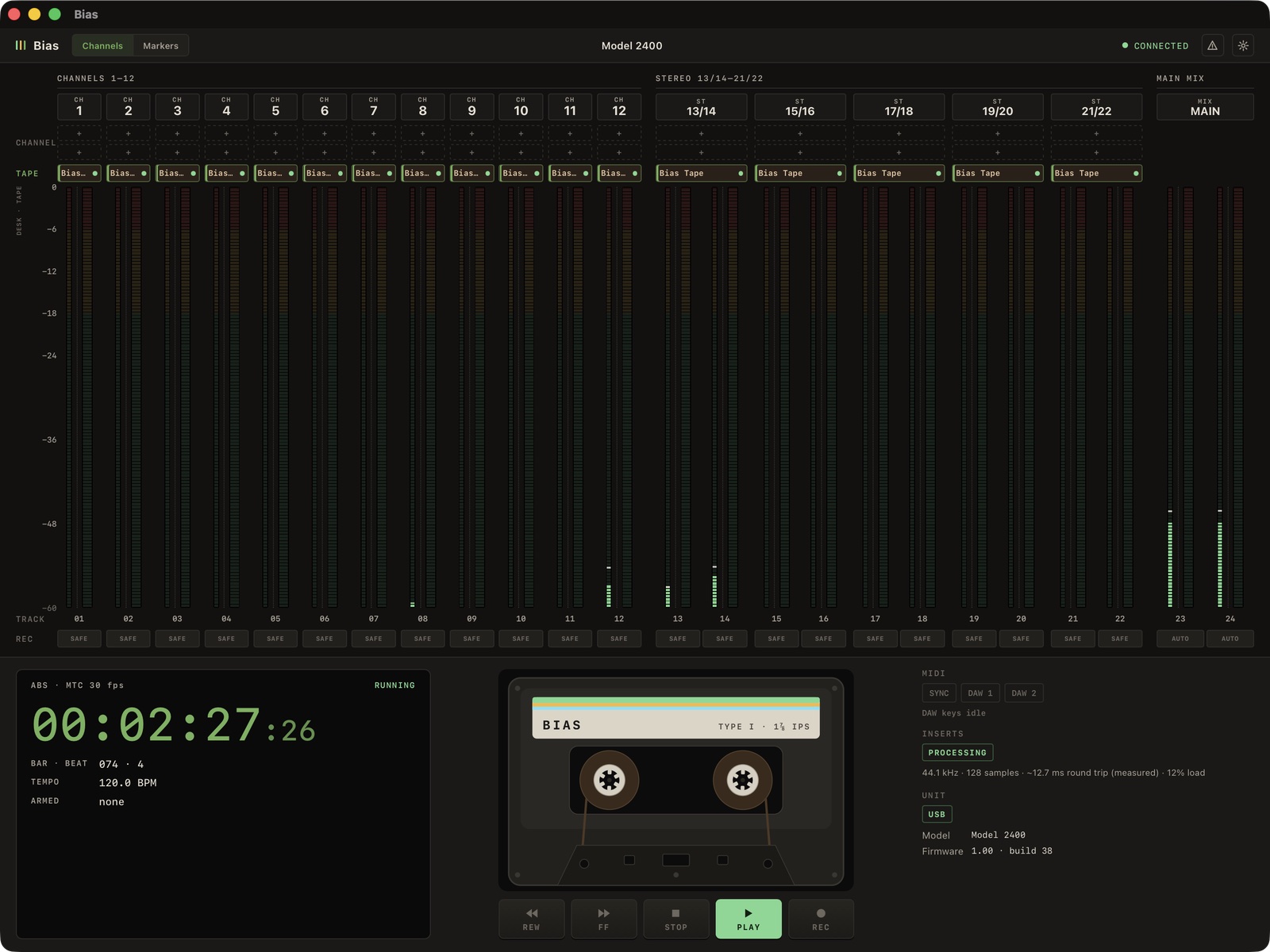
Meter bridge
All 22 channels against the recorder's 24 tracks, with armed tracks as the 2400 reports them.
Inserts
Two channel inserts, a bounce and a tape insert on every strip. With INPUT SEL on USB, the processed signal prints to the SD card.
Bounce
Send a strip, after its inserts, onto another strip's input. A recorded track on MTR with REC OUT on plays through a second strip's inserts and tape, and prints if that strip's track is armed.
Bias Tape
Our own multitrack tape model, with saturation, bias, record and playback EQ, head bump, wow, flutter, hiss and bleed between neighbouring tracks. Read the white paper
Deck
A cassette or a pair of reels, labelled with the machine's tape and speed, running with the recorder's timecode.
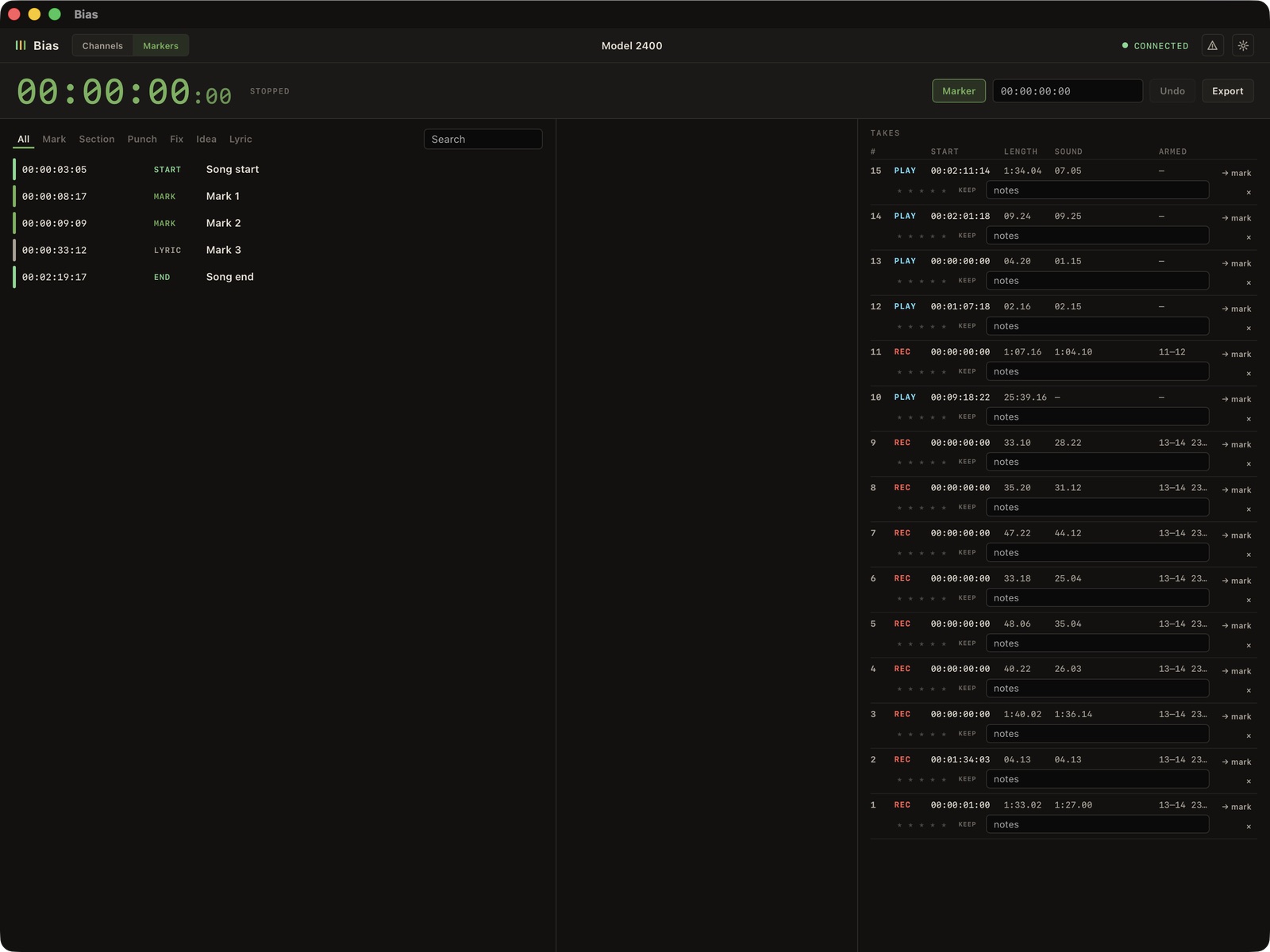
Markers and takes
Drop a marker from anywhere with M, nudge by frame, second or bar, rate your takes and export CSV.
Songs
Each song keeps its own inserts and settings, markers, takes, notes and tempo. Switching waits for the recorder to stop.
MIDI
Learn any knob, switch, Bypass or preset menu from a controller, with pickup, relative encoders, toggles and momentary switches.
MCP
An MCP server lets AI agents read the meters and levels, load and set inserts, and log markers. It refuses changes while the recorder is rolling.
Requirements
- macOS 13 or later, on Apple Silicon or Intel.
- A TASCAM Model 2400 connected to the Mac by USB.
- Audio Unit effects on the Mac for the channel inserts.
The Model 12, 16 and 24 are next. Other manufacturers and platforms are available on request.
Before using inserts
Each strip's INPUT SEL and REC OUT switches decide what Bias hears and what goes to tape. To track through inserts and print them, set INPUT SEL to USB and REC OUT off. To play back what was printed, set INPUT SEL to MTR; to play it back through inserts, turn REC OUT on and bounce the strip onto one that is on USB.
Never set INPUT SEL to USB with REC OUT on. The strip's return comes back to the Mac and feeds itself. Bias mutes it within a fraction of a second, but keep monitors down the first time you set a strip up.
Support
Report a problem with the ⚠ button at the top right of the app. Your mail app opens with a report to help@symbia-labs.com already filled in. Nothing is sent automatically.